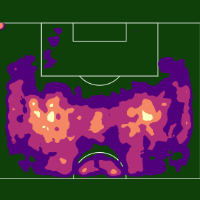
Getting Started
Filters
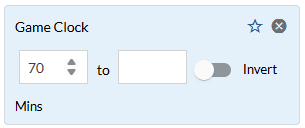
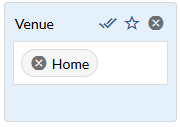
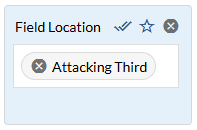
Filters allow you to narrow the scope of your research and answer more granular questions about player and team performance. For example, imagine you are trying to answer three questions:
-
How does a team perform at home?
-
How about after the 70th minute in the match?
-
Does field location affect a player’s pass percentage?
Each of these questions is answered by applying a new filter.
Custom Reports
A report is a saved group of stats and there are two types of reports:
-
Native Reports - generic reports provided by Provision.
-
Custom Reports - reports that you create.
The Custom Report Builder allow you to create a new, unique report that includes only the stats you want. These reports are available everywhere on Provision including on leaderboards, individual team and player pages, and Custom Pages.
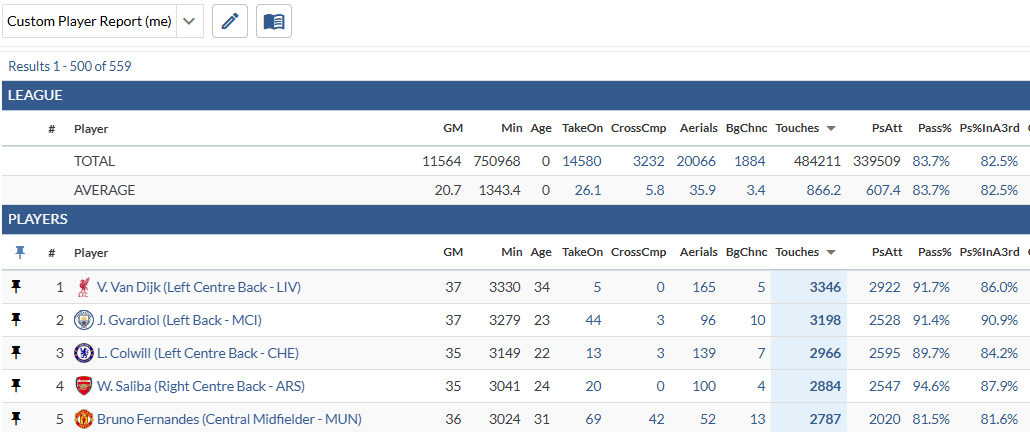
Graphics - Team & Player Pages
These visualizations help organize information and simplify data into actionable insights for player and managers. Each graphic has custom settings that allow you to tailor it to your team’s core principles.
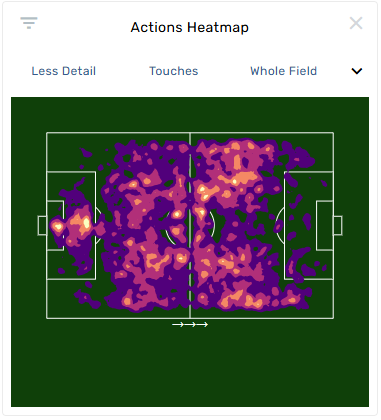
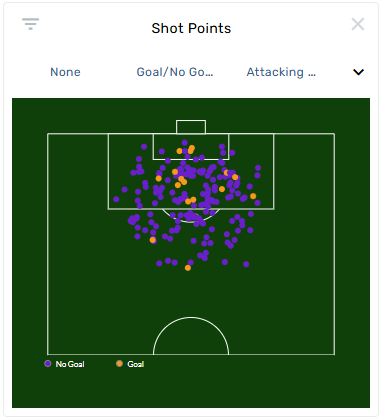
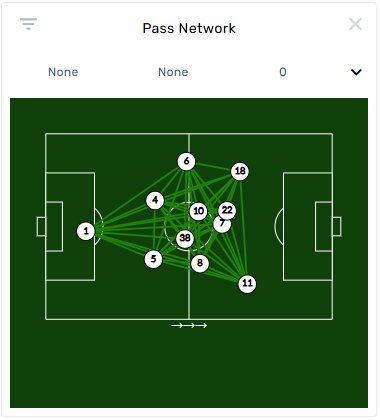
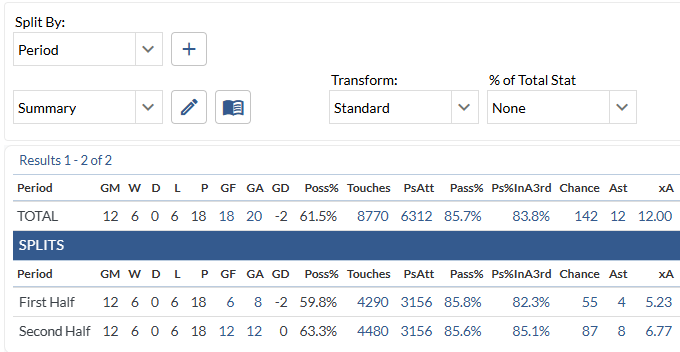
Splits Table
Look at the splits on any report in your team’s Provision library and apply two or more splits for more granular analysis. Combined with filters and graphics, this tool helps paint a clear picture of player and team performance.
Video + Playlists
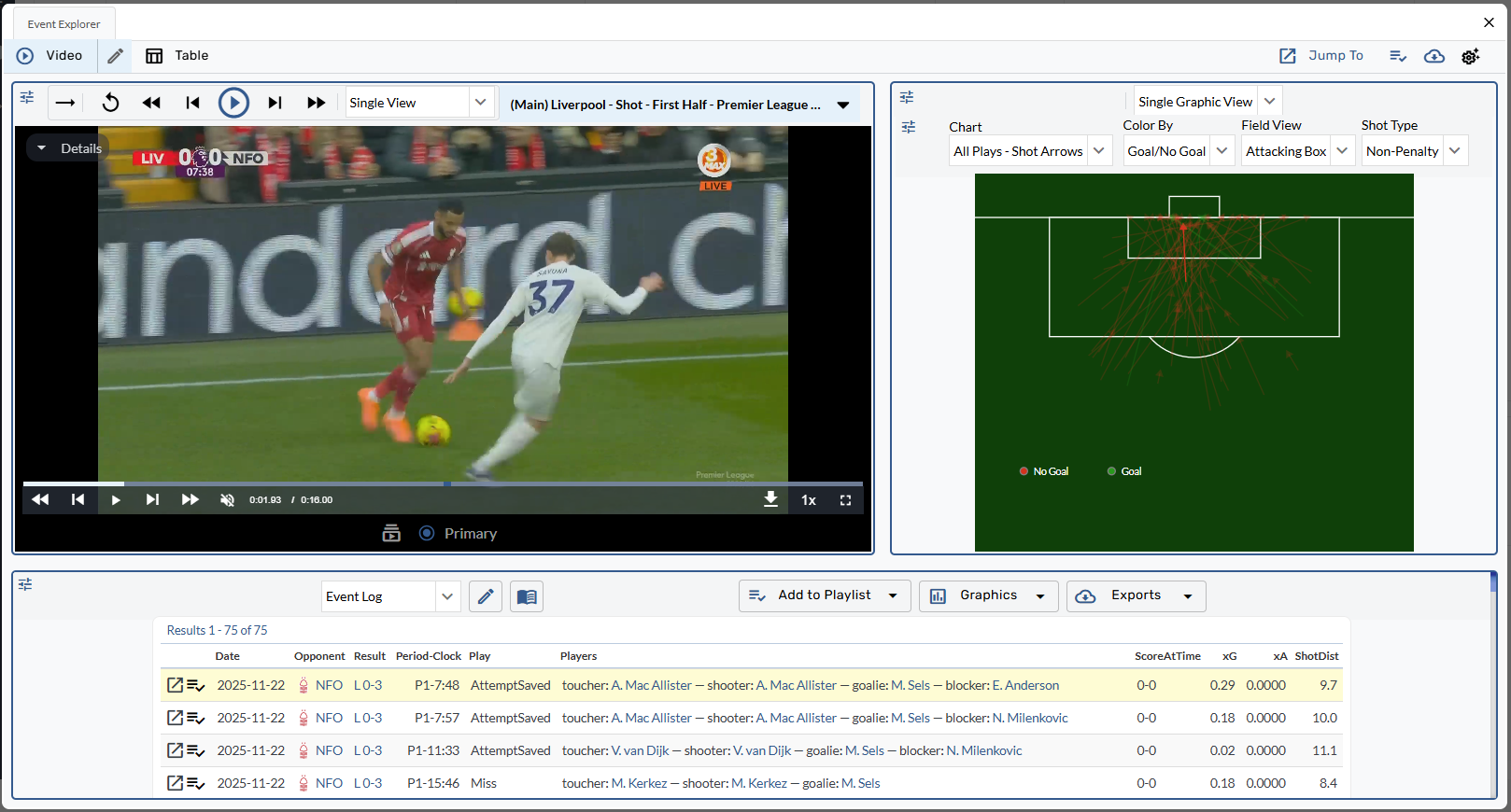
Video Player
Explore each event in a game with video alongside graphics and tables in the Provision video player.
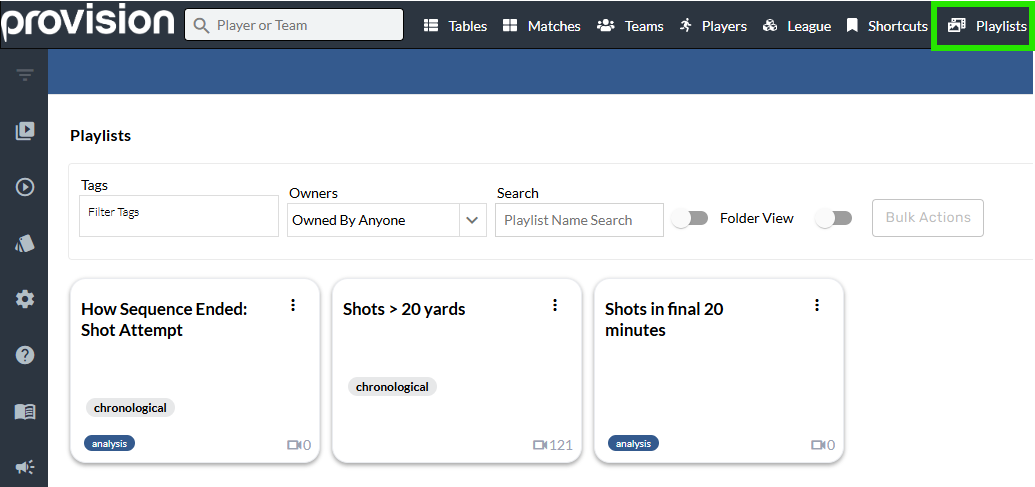
Playlists Page
Organize and browse all your team’s playlists from this page.
Leaderboard Tools
Pinned Lists
Create and save lists of teams and players for access later on.
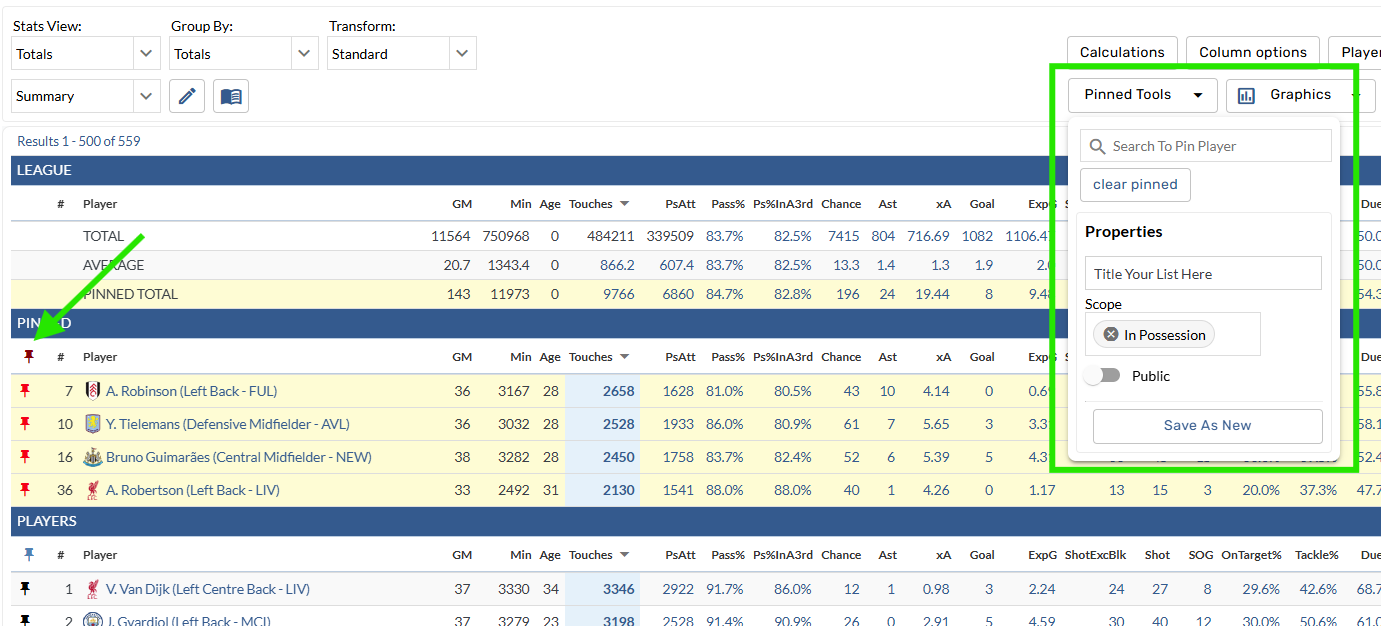
Table Tools
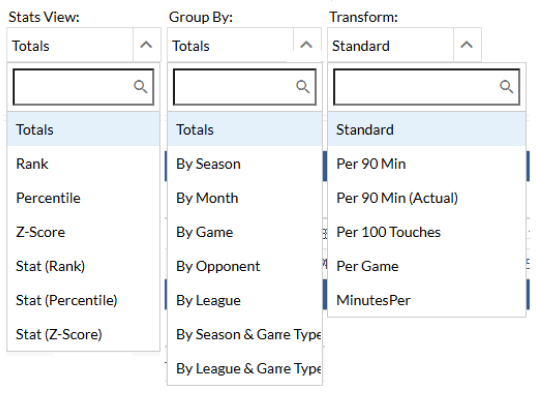
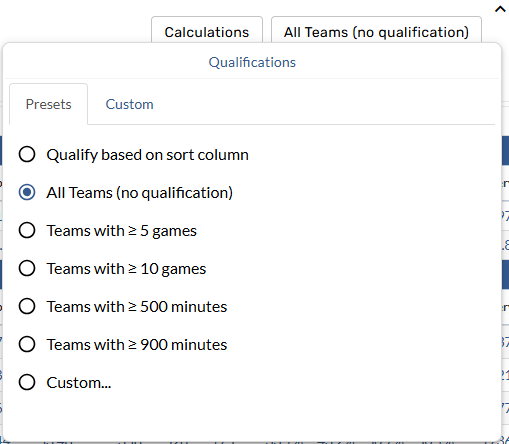
Set qualifications, display calculations like league average, add context such as rank or percentile, and export the table to Excel when you’re ready.

Charts
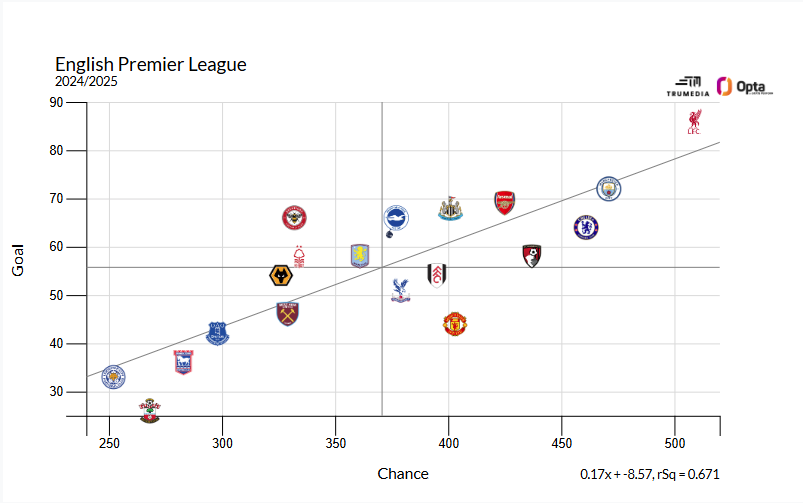
Analyze league wide trends with traditional graphics like scatter charts, histograms, and bar graph.
Additional Tools
Shortcuts
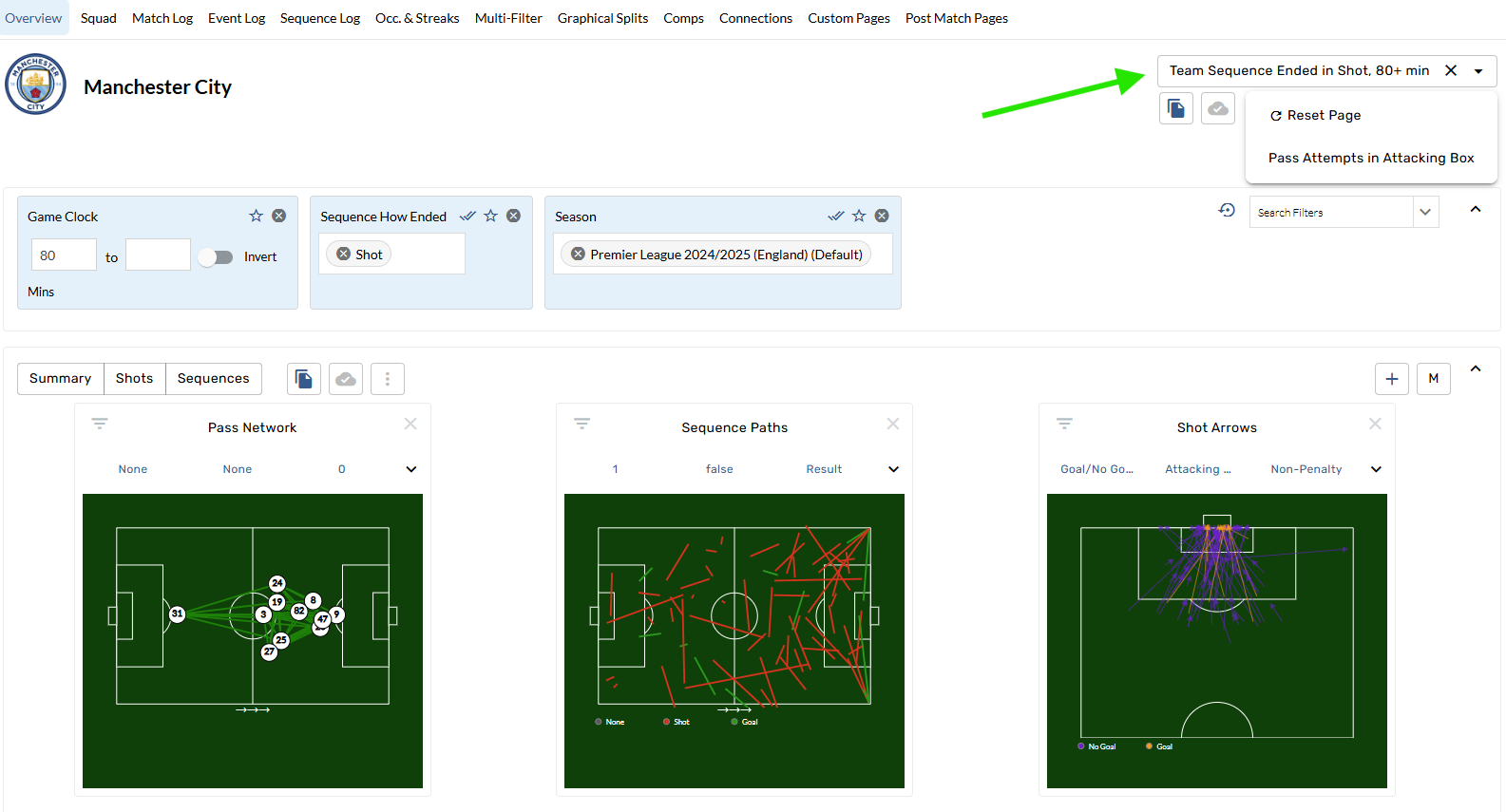
Create shortcuts that make it easy to return to pages with specific filters and settings
Scope
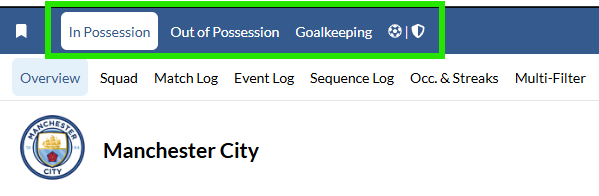
Each facet of the game (In Possession, Out of Possession, Goalkeeping) is considered a unique scope on Provision, and every stat, report, and page on the site has a scope that it focuses on.
Custom Stats
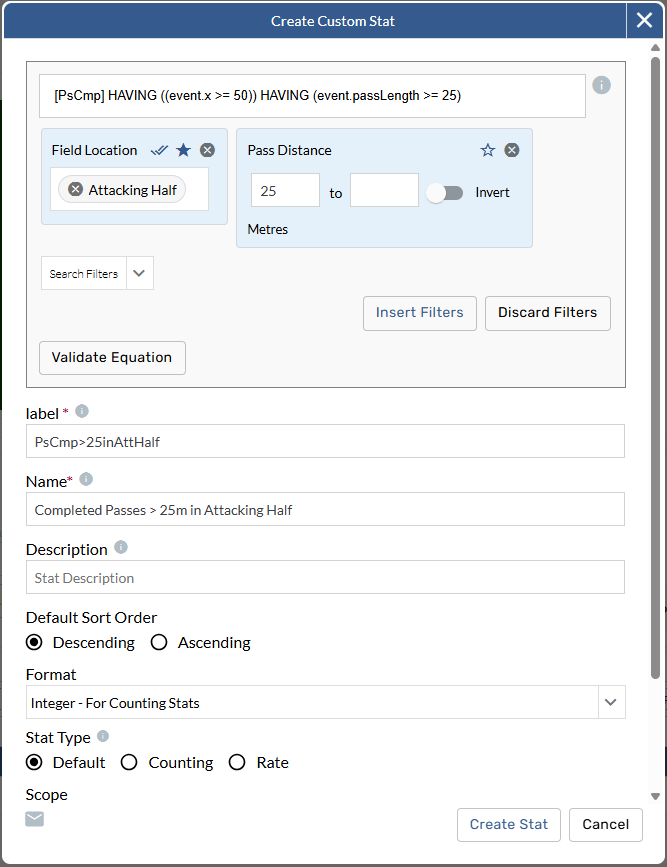
The Custom Stat Builder simplifies the SQL syntax so you can create the advanced stats your team values. Open the Custom Stat Builder when creating a new custom report and use math op/erators and filters to create and save new, unique stats.
Contact Us
Email the Support Team
statsperformsupport@trumedianetworks.com