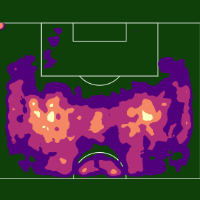
Enhancements
Sequence/Possession Chart improvements
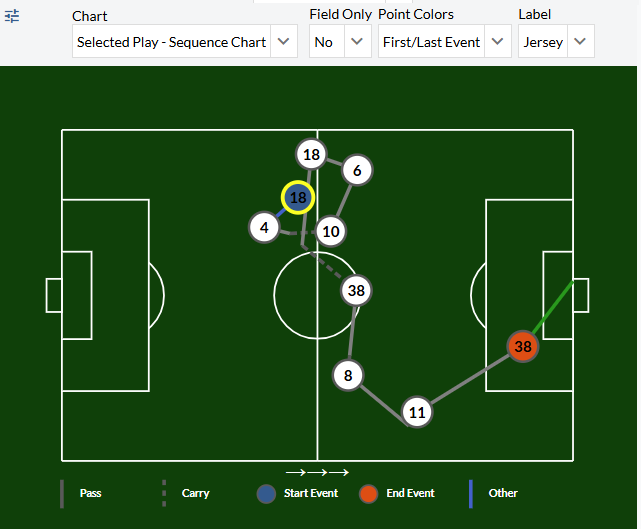
Carry lines have been added. When a pass is received and then carried, the chart point will be reflected at the end of an action. In the example above, #18 passes to #38 who proceeds to carry the ball into the attacking half and pass to #8.
There are several new controls that allow the user to color by Start/End event, label the event points by player jersey or event number, and view the graphic in Field Only view.
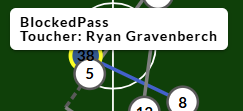
Non-passes and non-carries are colored blue, recognized in the legend as a generic Other option. The example below shows a blocked pass attempt between #38 and #8. Hovering over the line will show a tooltip indicating the other event.
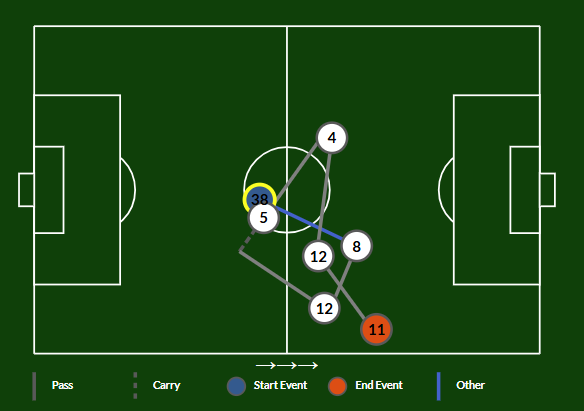
Goals will be colored green/red based on make/miss. The goal was also added to these charts and all other field charts.
Jump to Sequence/Possession added to Event Explorer + Custom Pages Play by Play tables
The Jump to Sequence button has been added to the main Event Explorer tab allowing users to open a given event in the Sequence Drill Down tab.
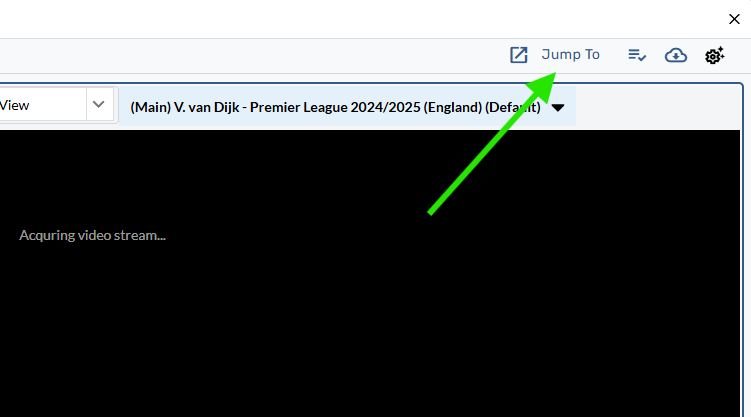
The Jump to Button has also been added to Custom Pages Play by Play tables.
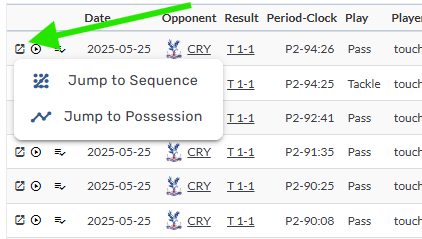
Additionally, users can now watch a given event by clicking the play icon on the table.
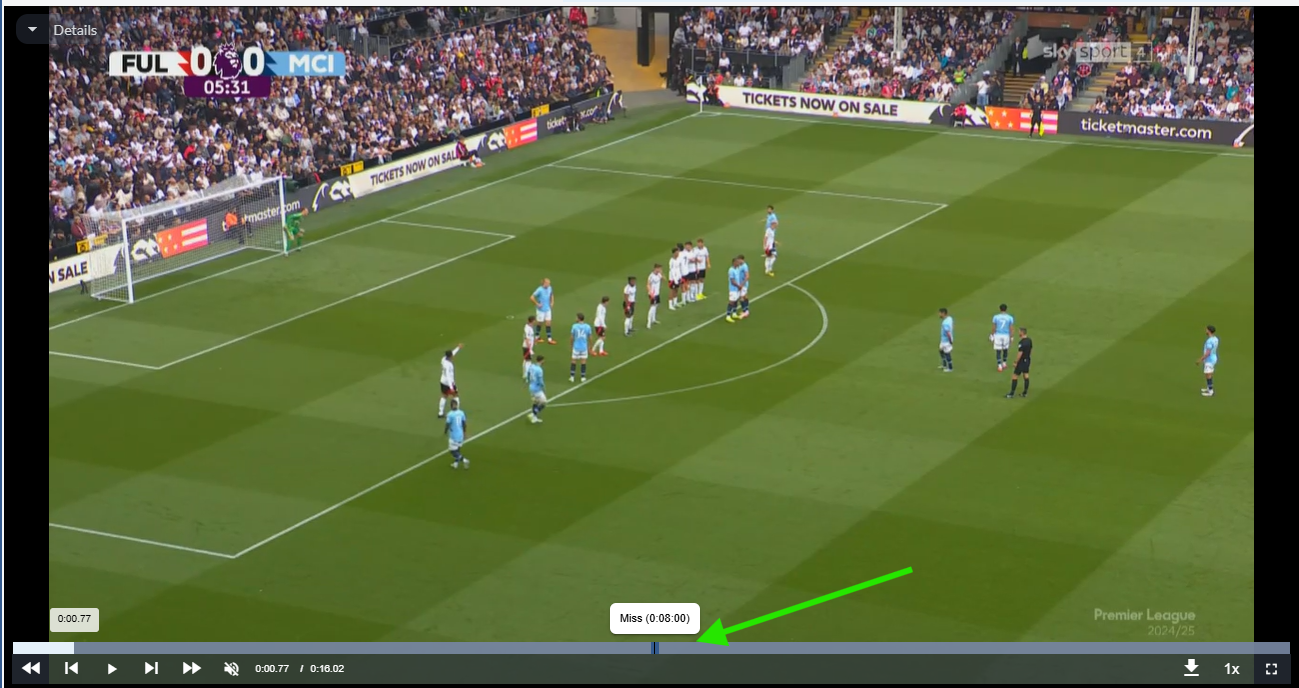
Event markers added to Video Player
Single event:
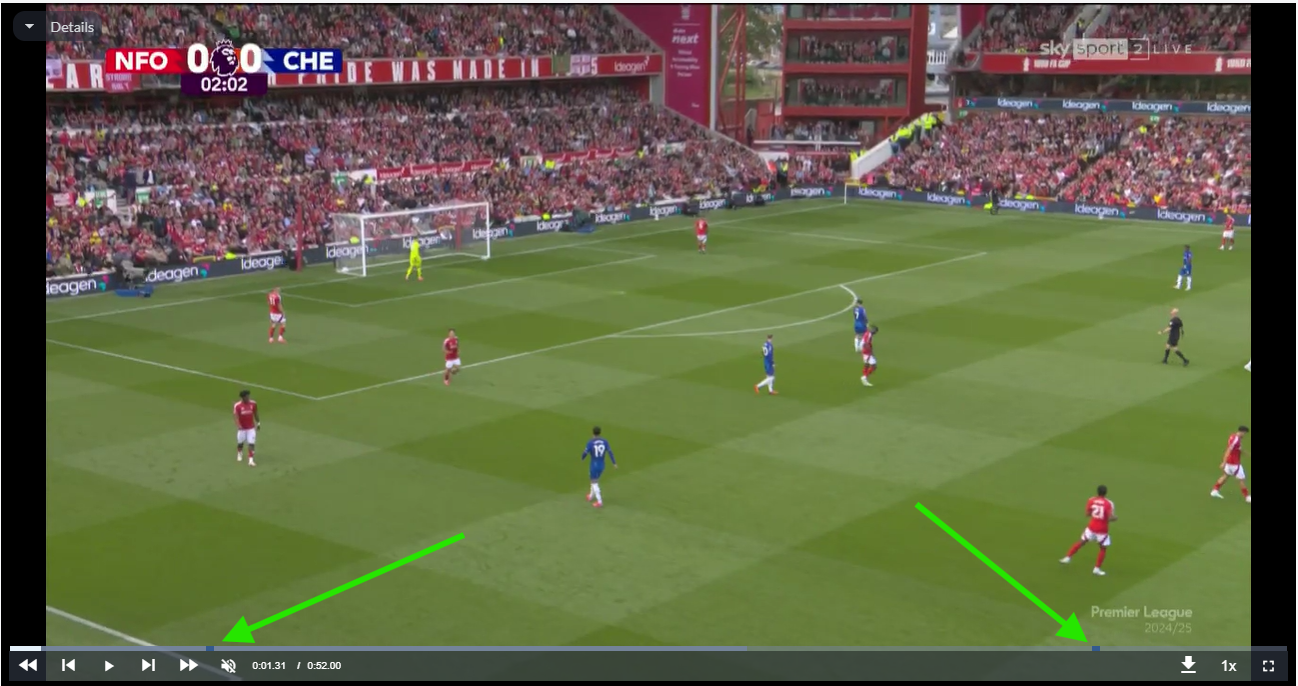
Start and end markers for Sequences and Possessions:
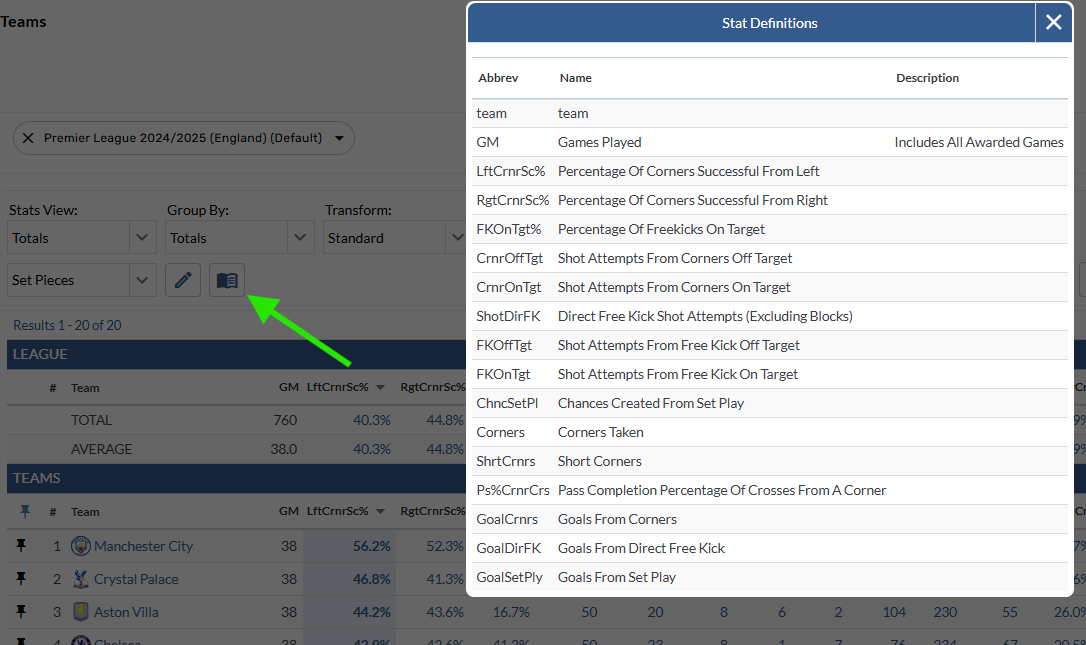
View a table’s Stat Definition list with new button
A new button has been added to pages with tables, allowing users to view the stat definitions for the selected report.
Open a Single Stat in the Event Explorer
The Single Stat component available on Custom Pages has been enabled to allow users to open the stat playlist in the Event Explorer.
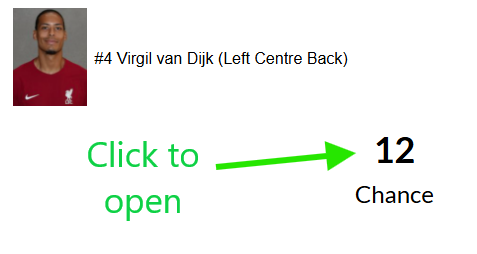
Table transforms added more places
The table transform control has been added to Player/Team Match Log, Player/Team Graphical Splits, League Stats, League Grouped Player Stats, League Charts
Bug Fixes
Fixed a bug where Sequence Path charts were showing all teams when used on Summary Custom Pages