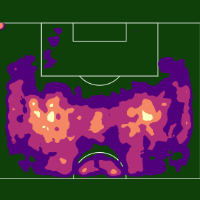
Create and save lists of teams and players for easy access on other pages as you browse Provision.
Pin a team or player
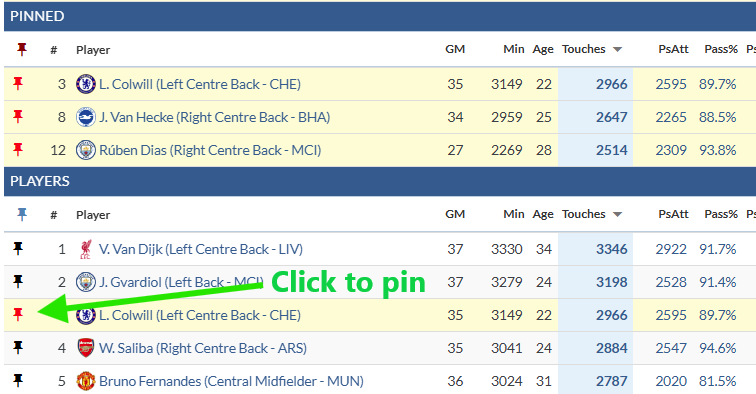
Option 1:
-
Browse the leaderboard.
-
Tap the pin on the left of a team/player.
Option 2:
-
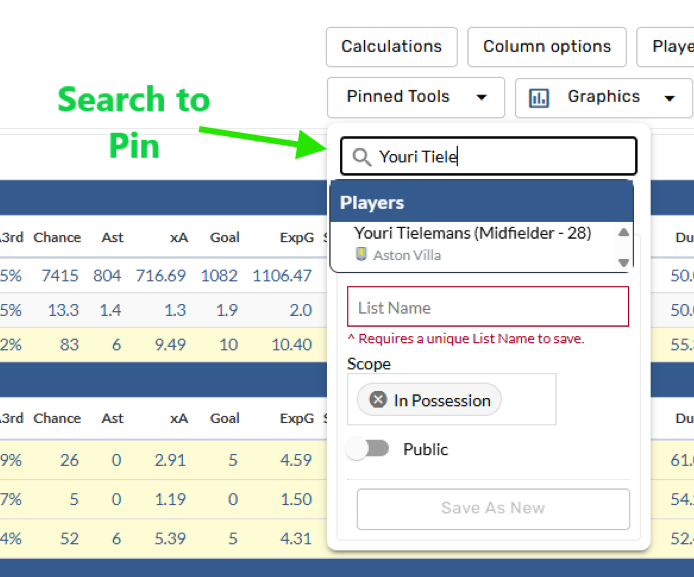
Open the Pinned Tools menu.
-
Search and select a team/player.
Save a pinned list
-
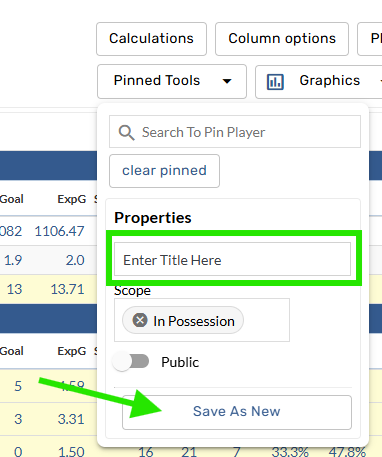
Open the Pinned Tools menu.
-
Find Properties section.
-
Name the list, select the scope, and tap Save as New.
Browse pinned lists
-
Open the Pinned Tools menu.
-
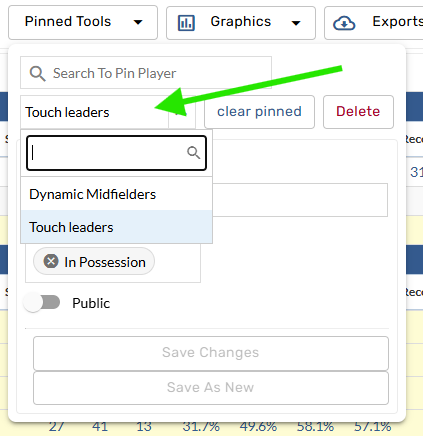
Tap the Select List menu.
-
Browse and select a pinned list.
Filters
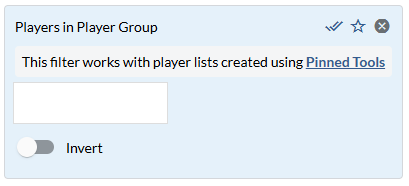
Use the Players in Player Group filter on a leaderboard to view only the players in that Pinned List.
-
Open the Search Filters bar.
-
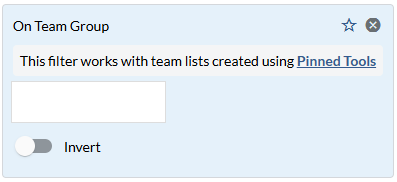
Find the On Team Group or Players in Player Group filters.
Contact Us
Email the Support team