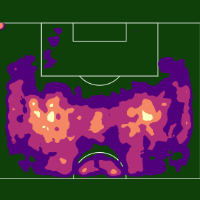
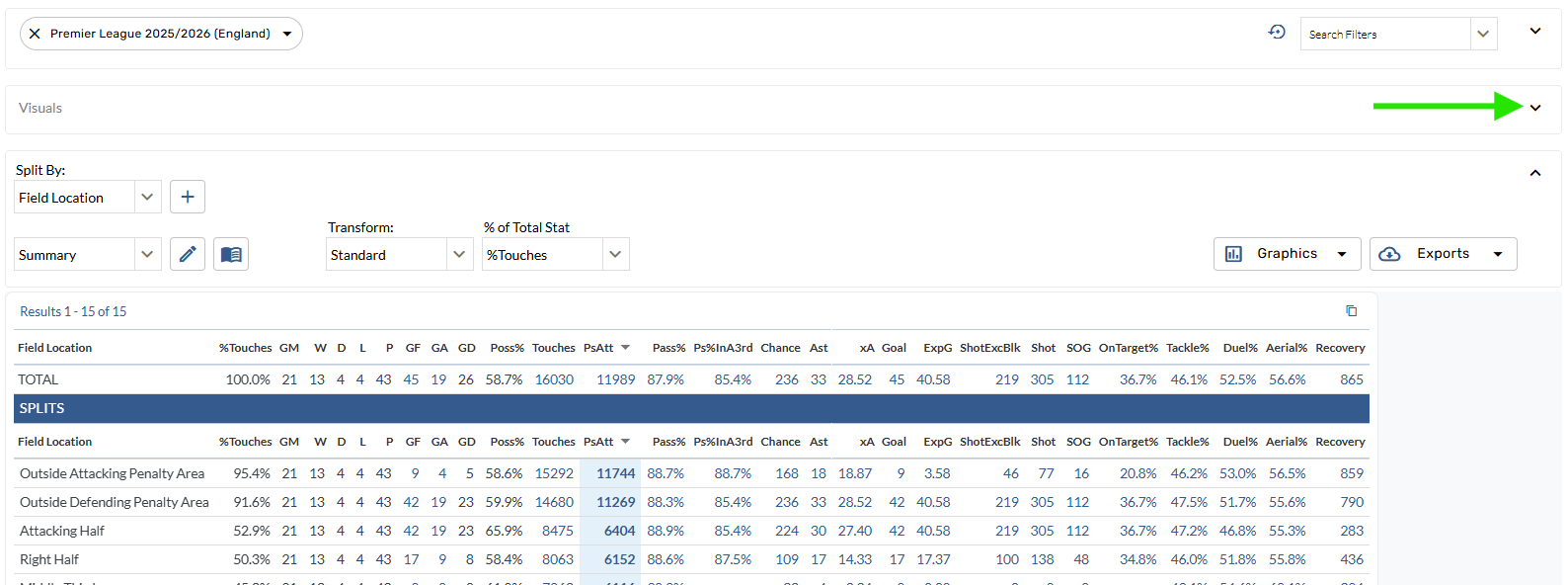
Shrink the Filters Bar and Graphics Bar to focus on the Splits Table.
Change the split
-
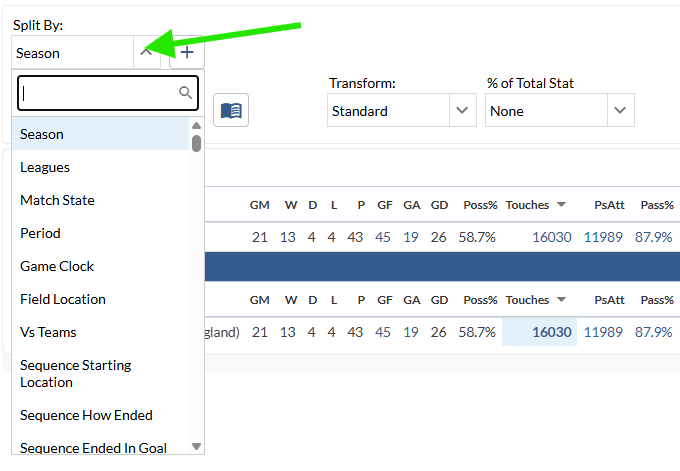
Open the Split By menu and select an option.
Sort the table
-
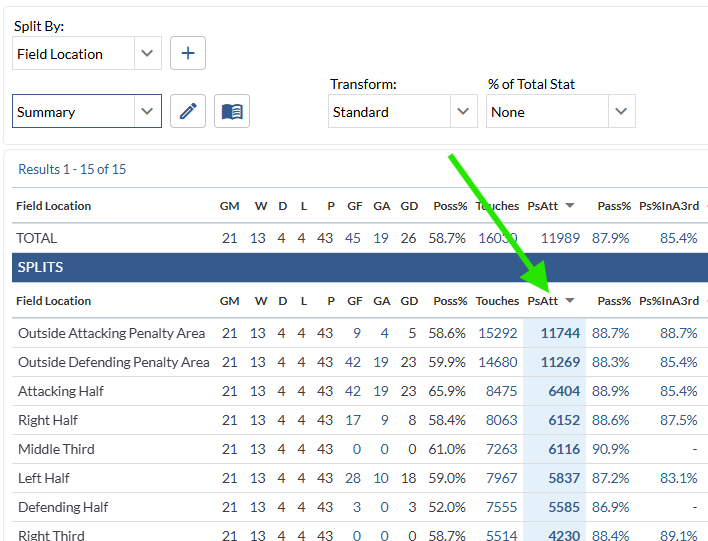
Tap a stat on the table.
The sorted stat appears in blue; click again to reverse the order.
% of Total Stat
-
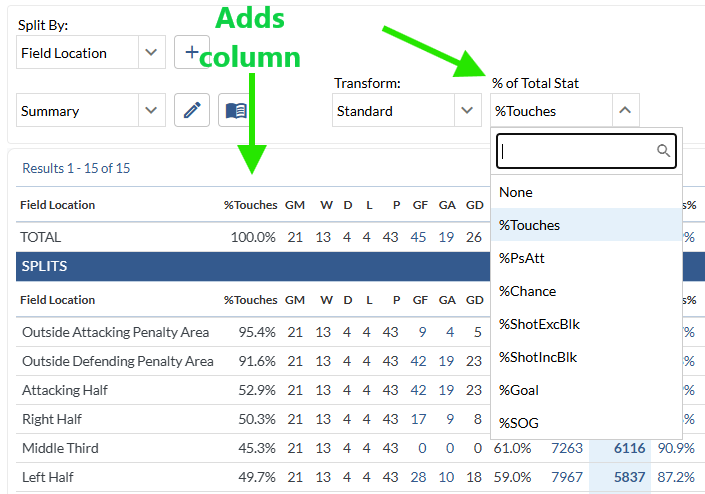
Select an option in the % of Total Stat menu.
Add %Touches to see touch distribution on a Splits Table.
Shrink / Expand the filters and graphics bars
-
Tap the carrot icon in the top right corner of the filters and graphics bars.
Contact Us
Email the Support Team